web app == desktop app via Tauri
One UI for the webapp and desktop app.
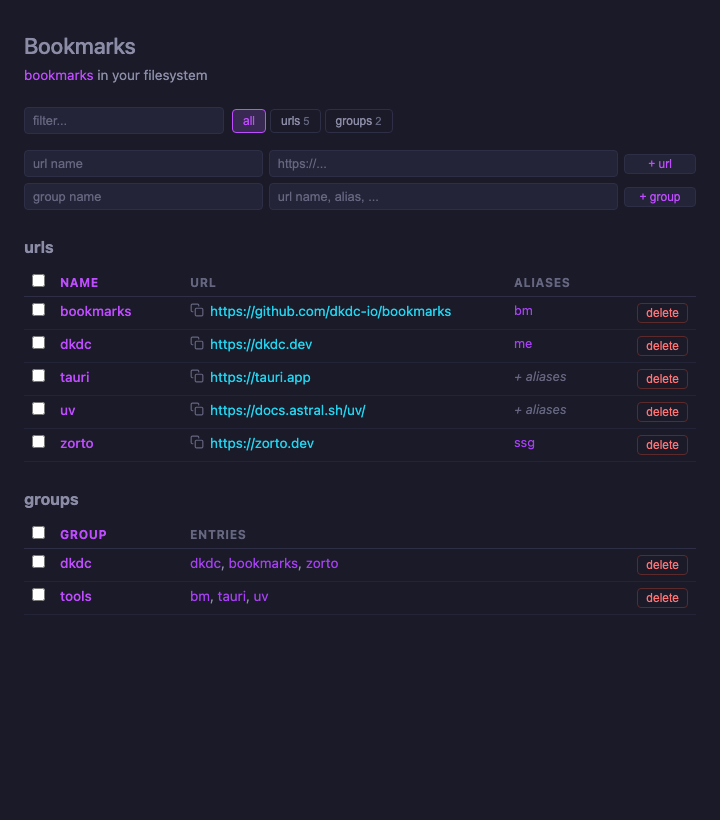
bookmarks is a CLI, a local web app, and a desktop app. In v0.5.0 I replaced the iced desktop app with a thin web app wrapper via Tauri, so --webapp and --app share the exact same UI. v0.5.1 cleaned up release publishing after the rewrite.
the shape #
The source of truth is still a TOML file in your filesystem. bookmarks-core owns config parsing, validation, aliases, groups, and storage. The CLI, Python package, local webapp, and desktop app all sit on top of that same core. The change is only in the UI layer: the webapp and desktop app are now the same.
flowchart TB
    toml["bookmarks.toml<br/>filesystem config"] <--> core["bookmarks-core<br/>Config + TomlStorage + Storage trait"]

    cli["bookmarks CLI"] --> core
    py["dkdc-bookmarks<br/>Python package"] --> cli
    py --> core
    web["bookmarks-webapp<br/>Axum UI/routes"] --> core
    app["bookmarks-app<br/>Tauri shell"] --> web
    app --> core

    cli -->|"--webapp"| web
    cli -->|"--app"| app
    app --> loopback["spawn_loopback<br/>127.0.0.1:0"]
    loopback --> web
    app --> view["Tauri WebView<br/>loads local URL"]
    view --> loopback
    view -->|"external links"| os["OS/browser"]
This matches the pattern from one systems language library, many interfaces, but simpler. The local webapp already has add, edit, delete, aliases, groups, search, and tabs; the desktop app does not need a second UI model.
the launch path #
When you run the desktop app, the shell starts the local web app on an ephemeral loopback port, waits for /api/health, and loads it in a webview. Local app navigation stays local, while bookmark URLs open in your browser. The app edits bookmarks; the browser opens them.
sequenceDiagram
    participant CLI as bookmarks --app
    participant App as desktop shell
    participant Web as loopback Axum webapp
    participant View as WebView
    participant OS as OS/browser

    CLI->>CLI: resolve storage
    CLI->>App: run_app(storage)
    App->>Web: spawn_loopback(storage) on 127.0.0.1:0
    App->>Web: GET /api/health
    Web-->>App: status ok
    App->>View: create window at local URL
    View->>Web: GET /
    View->>OS: clicked external bookmark URL
using it #
Install:
curl -LsSf https://dkdc.sh/bookmarks/install.sh | sh
Or via uv directly (the script above uses uv):
uv tool install dkdc-bookmarks
Or via uvx without installing:
uvx --from dkdc-bookmarks bookmarks
Then:
bookmarks
bookmarks --webapp
bookmarks --app
Net result: one config, one core, many UIs.