themed screenshots with Playwright CLI
no manual screenshots ever again.
The screenshot in the /ai prototype post is four screenshots presented as one that automatically swaps to match the website’s theme. For this post I ran:
bin/capture-themed-screenshots /ai/ \
  static/posts/themed-screenshots-with-playwright-cli/ai-route-app \
  --selector '[data-ai-app]' \
  --seed-ai-demo
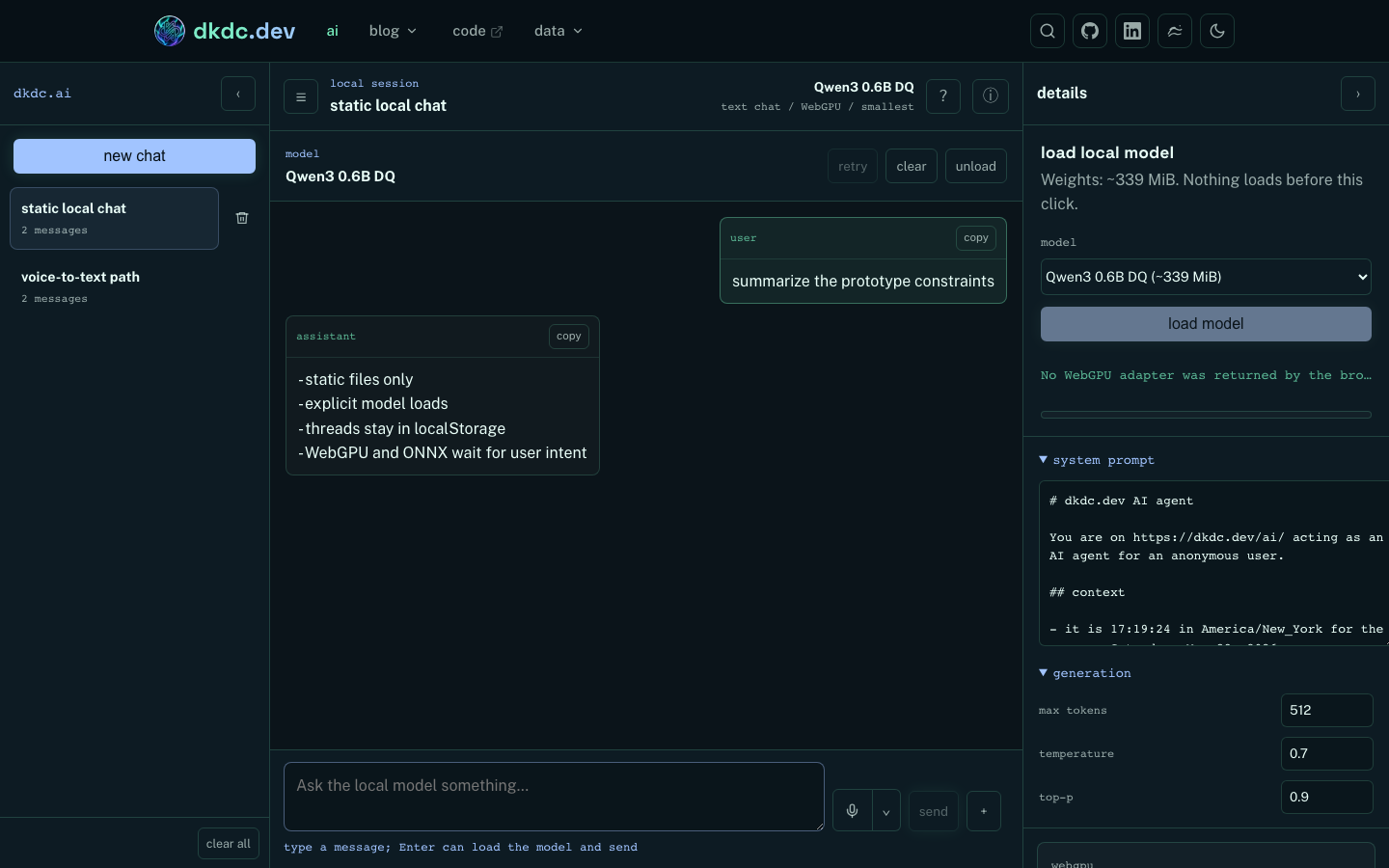
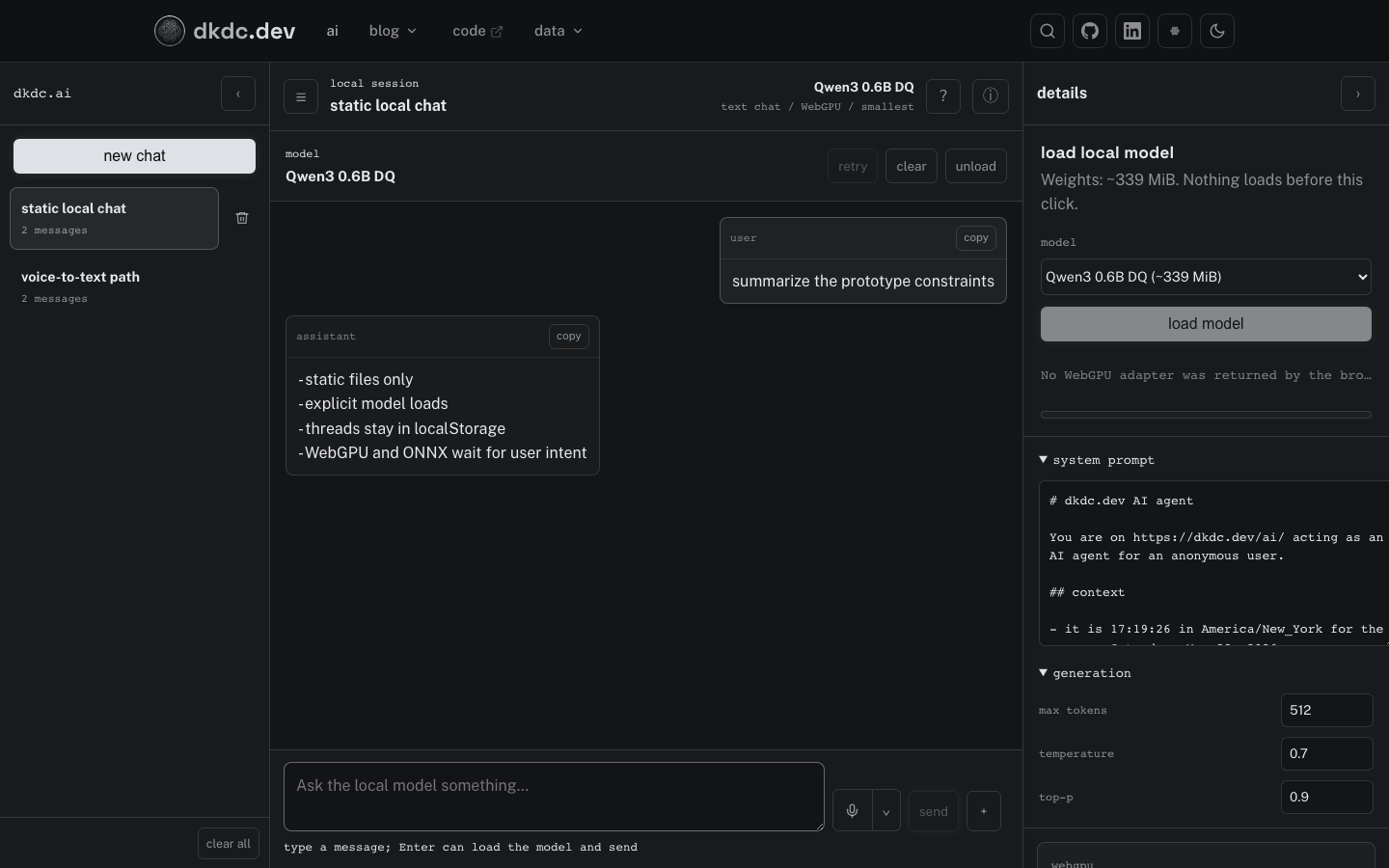
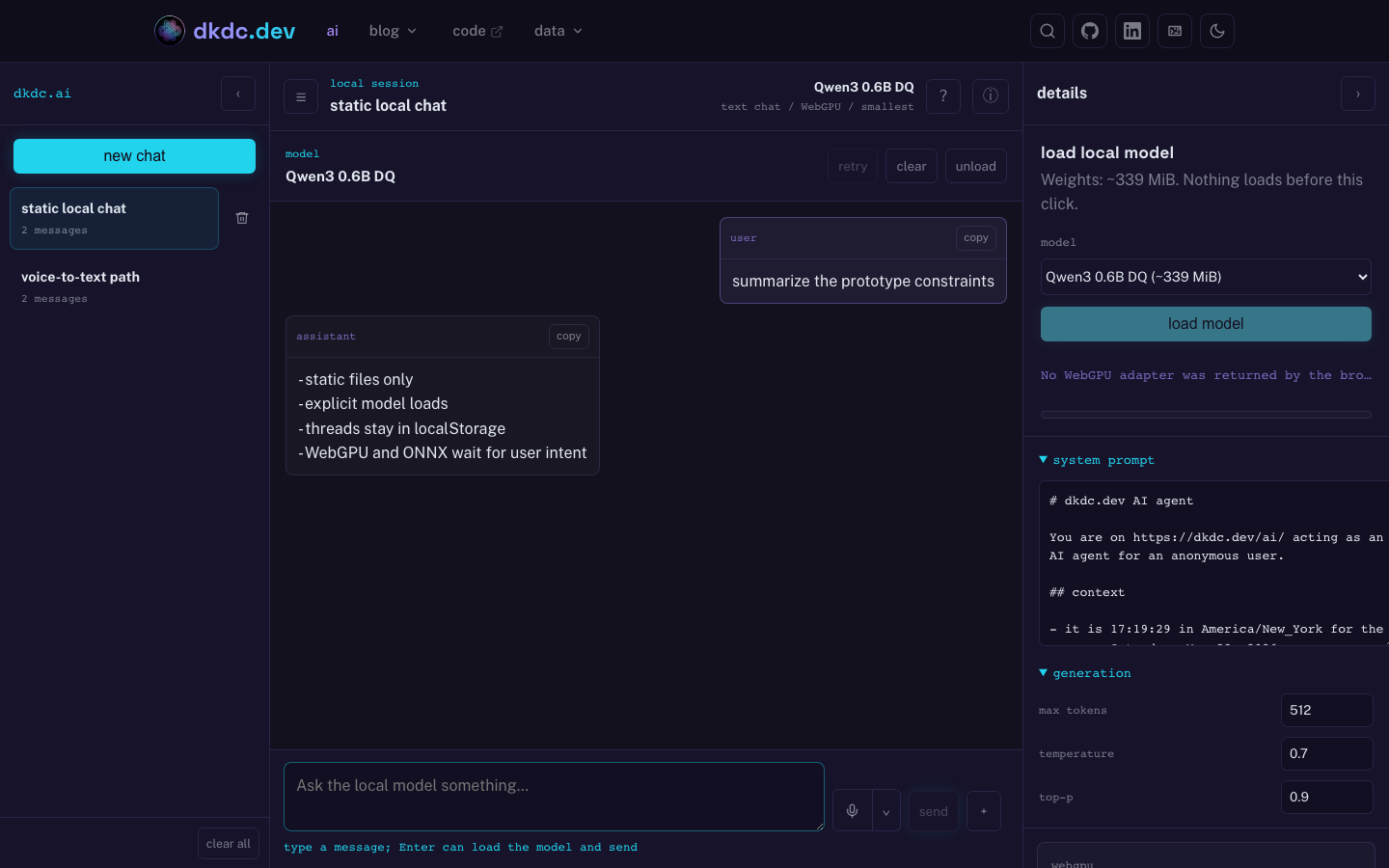
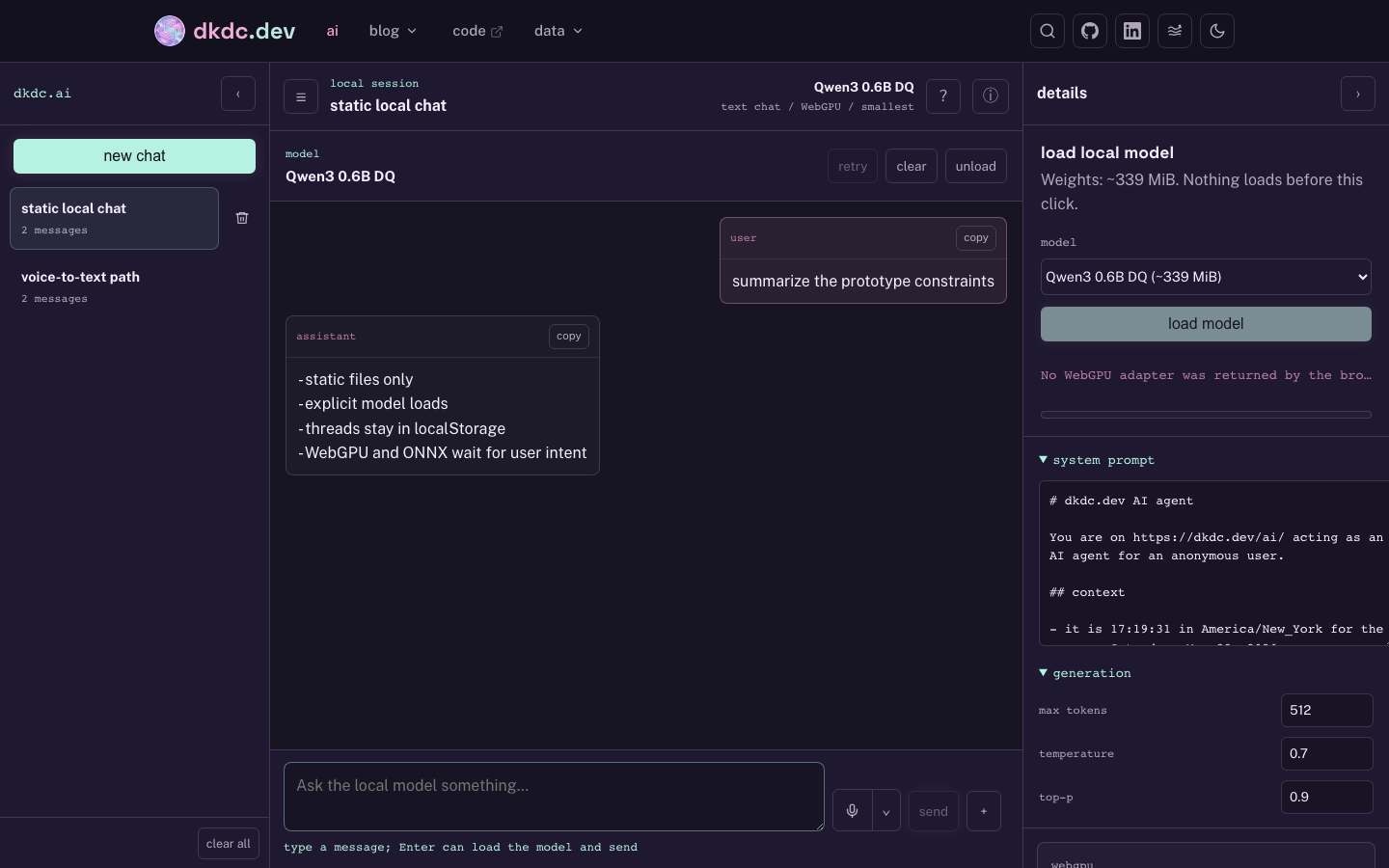
The generated artifacts are:
| piece | path |
|---|---|
| wrapper | bin/capture-themed-screenshots |
| post | content/posts/themed-screenshots-with-playwright-cli.md |
| aura screenshot | static/posts/themed-screenshots-with-playwright-cli/ai-route-app-aura-dark.png |
| boring screenshot | static/posts/themed-screenshots-with-playwright-cli/ai-route-app-boring-dark.png |
| code-y screenshot | static/posts/themed-screenshots-with-playwright-cli/ai-route-app-code-y-dark.png |
| dreamy screenshot | static/posts/themed-screenshots-with-playwright-cli/ai-route-app-dreamy-dark.png |
| tab styles | sass/style.scss |
| tab behavior | templates/base.html |
The wrapper script runs bin/build, starts a local static server if one is not already listening, reads config.extra.site_themes, and loops over the configured theme slugs. For each theme it writes a Playwright storage-state file with:
site-theme=<theme slug>theme=dark- optional demo state for routes that need restored browser data
That last part is why /ai has --seed-ai-demo. The app stores threads, active chat, and layout in localStorage. A screenshot of the empty app would prove the route exists, which is not the same thing as showing the prototype. The seed writes a fixed local thread and a fixed active-chat pointer before Chromium opens the page.
The storage file is:
{
  "origins": [
    {
      "origin": "http://127.0.0.1:4173",
      "localStorage": [
        { "name": "site-theme", "value": "aura" },
        { "name": "theme", "value": "dark" },
        { "name": "dkdc.ai.threads.v1", "value": "[...]" },
        { "name": "dkdc.ai.activeThread.v1", "value": "ai-route-prototype-thread" }
      ]
    }
  ]
}
The actual capture call is just Playwright CLI:
npx --yes playwright screenshot \
  --browser chromium \
  --viewport-size "$VIEWPORT" \
  --color-scheme dark \
  --load-storage "$state" \
  --wait-for-selector "$SELECTOR" \
  --wait-for-timeout "$WAIT_MS" \
  "$BASE_URL$PATH_ARG" \
  "$output"
The display markup has five tabs. The first panel reuses the normal .theme-screenshot classes, so it follows the live site theme. The other four panels point straight at the generated PNGs:
<figure class="theme-screenshot-tabs" data-theme-screenshot-tabs>
  <button data-theme-screenshot-tab="current">current theme</button>
  <button data-theme-screenshot-tab="aura">aura</button>
  <button data-theme-screenshot-tab="boring">boring</button>
  <button data-theme-screenshot-tab="code-y">code-y</button>
  <button data-theme-screenshot-tab="dreamy">dreamy</button>

  <div data-theme-screenshot-panel="current">
    <div class="theme-screenshot">
      <img class="theme-screenshot__image theme-screenshot__image--theme-aura" src="...-aura-dark.png" alt="...">
      <img class="theme-screenshot__image theme-screenshot__image--theme-boring" src="...-boring-dark.png" alt="...">
      <img class="theme-screenshot__image theme-screenshot__image--theme-code-y" src="...-code-y-dark.png" alt="...">
      <img class="theme-screenshot__image theme-screenshot__image--theme-dreamy" src="...-dreamy-dark.png" alt="...">
    </div>
  </div>

  <div data-theme-screenshot-panel="aura" hidden>
    <img src="...-aura-dark.png" alt="...">
  </div>
  <figcaption>...</figcaption>
</figure>
CSS hides the current-theme images, then shows the one matching html[data-site-theme]. The boring image stays as the fallback because it is the default theme and because CSS should degrade to something visible.
This is the kind of automation I want. If I add a theme, config.toml changes and the command emits another file. If the app route changes, the selector or seed changes. The screenshot stops being an artisanal artifact and becomes another checked-in receipt.